What should be visible in the first five seconds of an Instagram profile?
A visitor should be able to quickly understand what kind of food the restaurant serves, which area it is in, and where to find up-to-date information. Instead of changing the username with unnecessary symbols or crowding the bio with every product, use a clear business name, a short description of the service, the real location, and the correct contact link.
It helps to have a legible logo in the profile photo, the actual type of service in the description, an up-to-date menu, ordering, or reservation path in the link, and the business's real atmosphere in pinned content. This is not an algorithm trick; it is a way to answer the customer's question directly.
Eight-point restaurant profile audit
| Area | Check question | Fix |
|---|---|---|
| Business name | Does the guest recognize the brand on the sign? | Verify the brand name |
| Profile picture | Is it readable on a small screen? | Use a simple, genuine logo |
| Bio | Are the restaurant's type and what sets it apart clear? | Write one clear sentence |
| Location | Do the map and address match? | Add the correct location link |
| Opening hours | Are today's hours and special days up to date? | Have it verified by a business representative |
| Menu link | Does it open and show the correct products? | Replace the broken or outdated menu |
| Contact | Do the phone or reservation options work? | Use the correct link |
| Pinned content | Does it give new guests the information they need? | Separate menu, venue, and getting-there content |
Short and useful bio example
Sample format for a hamburger restaurant:
[Brand name] · [Actual neighbourhood]
Signature burgers and current menu
Opening hours / ordering / location: [Correct link]
This text is a template; it does not invent a real business's address or the products it offers. Before clarifying the service the restaurant offers, do not add claims such as “the best in Turkey,” “open every day,” or “instant delivery.”
The menu on Instagram and the prices in the restaurant should match
If product names, visuals, content details, or prices on the menu change, the source the social profile points to must also be kept up to date. Linking to an updated menu is usually more sustainable than writing individual prices in the bio.
Example process: The kitchen updates the product content → a manager approves the change → the menu link is checked → the Story or post for that product is prepared with up-to-date information. When a product is removed, the old campaign text is also reviewed.
Why should Google Business Profile and Instagram information be consistent?
The restaurant's name, address, phone number, and opening hours on Google Maps should not conflict with the information on Instagram. Google Business Profile is used to manage the business's real information, and Google recommends keeping business information accurate and up to date: Edit Google Business Profile information.
These two platforms are used differently. Copying the same social post everywhere is not required; what matters most is that business information is accurate and managed from a shared source.
Which three topics should pinned posts cover?
First post: What does the business offer? The real signature product and the type of restaurant. If the product is no longer available, the pinned post is refreshed.
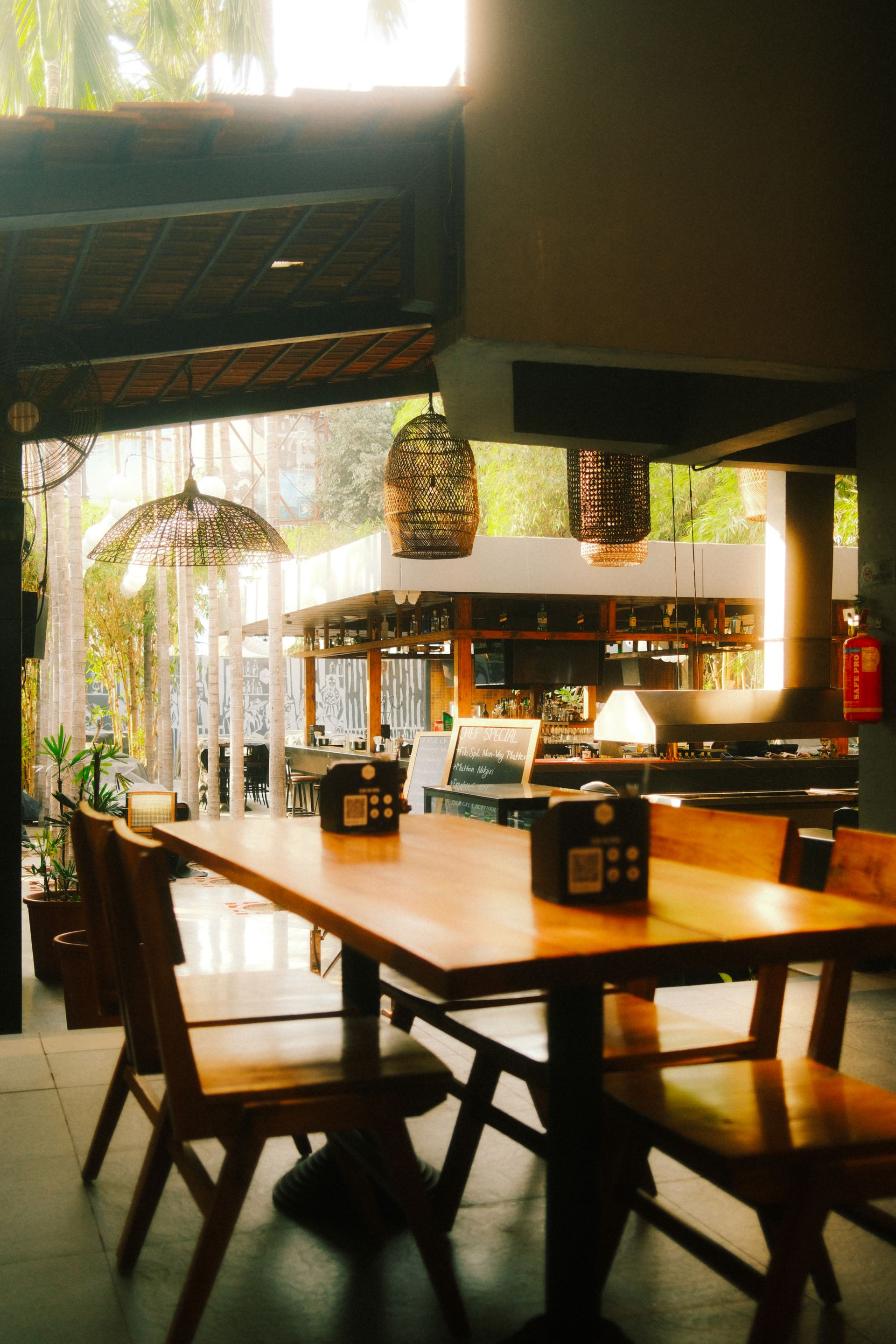
Second post: Where is the venue and what is it like? The real exterior, a suitable seating area, and an address or location link.
Third post: What information is the guest looking for? Menu, current opening hours, reservations, or takeaway channel. One of these is chosen based on the restaurant's business model.
Does editing the profile alone increase reservations?
When profile information becomes clearer, it may become easier for customers to get in touch; however, a profile view is not a confirmed reservation or sale. Link clicks, phone calls, and message requests are measured separately. Reservation results are evaluated only with records confirmed by the business.
NEFES combines the restaurant's brand memory, real photos, and approved business information to keep the profile, posts, Stories, and message replies in one consistent communication structure.
Final check before publishing
- Does the restaurant's current menu link open?
- Are the location and opening hours the same on every channel?
- Do pinned posts feature any products that are no longer available?
- Are the profile picture and the brand name used correct?
- Do the ordering and reservation paths work?
- Have the contact details been verified by an authorized business representative?
Adapt this guide to your business
Check that your restaurant’s address, hours and services are consistent across its website and map listing. NEFES GEO services (Turkish) provide a starting point for assessing that presence alongside AI search answers.
Open the profile both in the app and in a browser and test the menu link. Do not leave the address, hours and reservation information scattered across different places; have your team identify a single source of truth to be updated.