First make sure the new menu is actually ready
A menu announcement should be published not because the design file is finished, but when the business has confirmed which products it will actually offer and from which date. Do not show products still in preparation as if they were on sale.
Especially menu name, actual ingredients, allergen information where needed, correct routing, portion, service price and validity date must be consistent across different channels. Not every restaurant may be using a QR menu, web page and Instagram at the same time; all of the existing channels are checked.
Seven-stage new menu announcement plan
| Stage | Owner | Information checked | Concrete output |
|---|---|---|---|
| 1. Product finalization | Kitchen/business | Actual product, portion, ingredients | Approved menu list |
| 2. Pricing and scope | Manager | Current price, campaign terms | Single source of truth for pricing |
| 3. Photo shoot | Business/shoot team | Actual product and presentation | Source image archive |
| 4. Menu link | Website/QR owner | Correct URL and content | Current menu that opens |
| 5. Content design | NEFES | Post, Story, Reels, caption | Publishing draft |
| 6. Final approval and publishing | Authorized person | Start date and campaign | Actual post |
| 7. Final check | Business/NEFES | DM questions, old posts | Corrections and measurement |
The table is not a promise of automatic platform integration; it is a practical publishing routine that prevents incorrect announcements and clarifies responsibility.
What should you show in the first post?
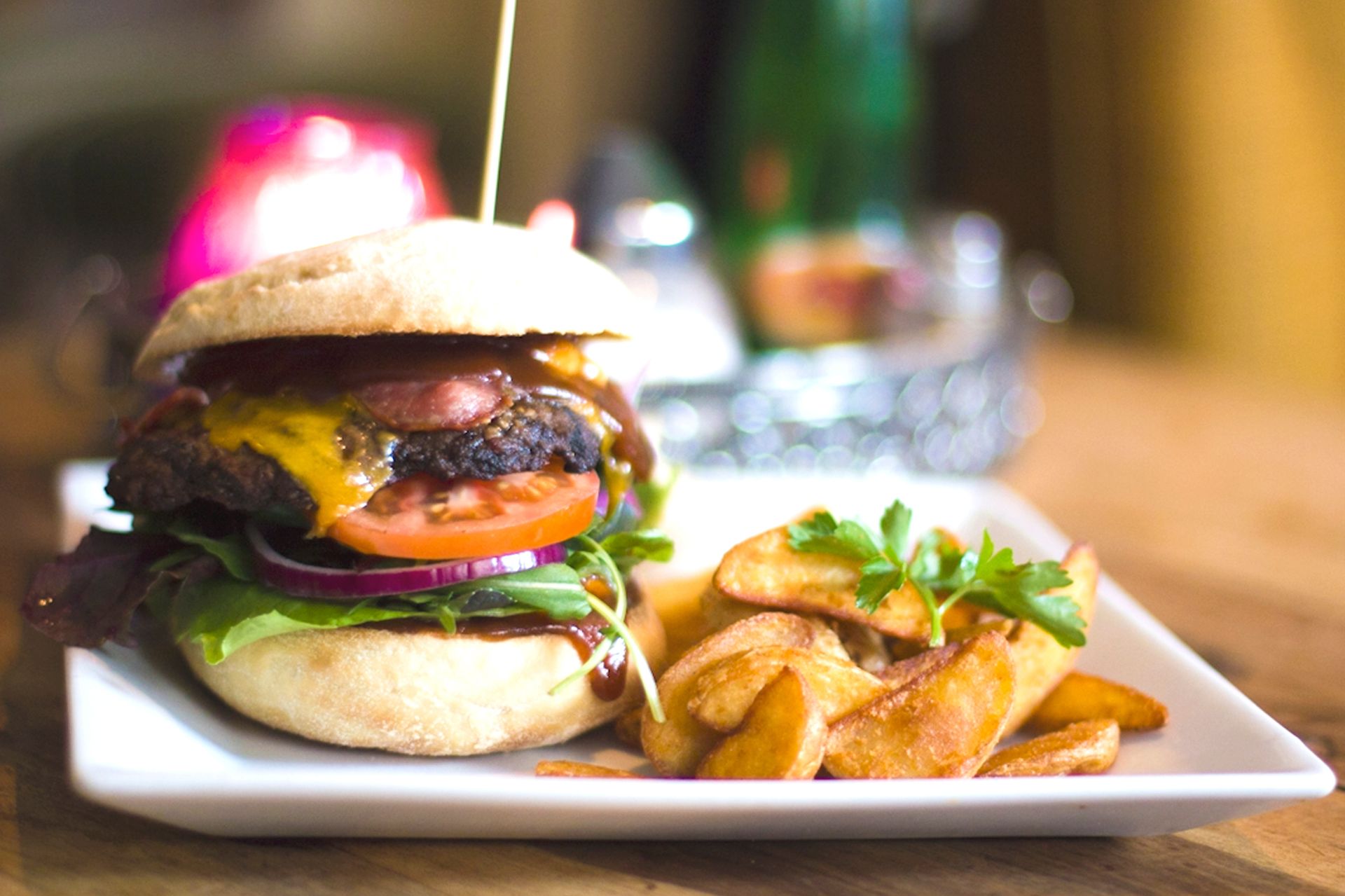
Feature one or two actual menu products in the first post so guests can understand the announcement clearly. Add the menu name to the caption for the photo shoot; if the date from which the product will be available matters, state it clearly.
Sample caption template:
From our new menu: [actual product name]. [Approved short feature]. For the current menu and opening hours, please see the link in our profile.
This template is not an actual restaurant customer or a guaranteed sales example; it should be completed with the business's accurate information.
In what order should Stories, Reels and pinned posts be used?
Story: The day the new product is served, the current menu link, and the basic information guests often ask about.
Reels: If there is a real preparation process that was photographed, turn it into a short narrative; if there are only photos, use them as moving visual editing. Do not add artificial portions or ingredients that make the product look larger than it is.
Pinned post: If the menu change is permanent, content carrying the 'current menu' link and business information can be used for a long time. If the product or price changes later, the pinned content should also be reviewed.
Where can old information remain when the menu changes?
Commonly forgotten places: the link in the profile bio, pinned product posts, highlighted Stories, web/QR menu, Google Business Profile and old campaign pages. Some of these channels may not be in use at the business; list and check the ones it actually uses.
Preventing a customer from seeing an old price on Instagram and then being charged a different amount at the register matters for business trust, not just for SEO.
A special campaign announcement requires separate approval
Conditions such as “first week discount,” “free with,” and “buy two, pay for one” must not be written unless they are real and current. Which previous price is shown, and how, for a discounted sales ad is subject to legislation depending on the type of business. Do not announce uncontrolled campaigns using a generic food content template.
The Ministry of Trade's 2026 advertising regulation announcement explains changes concerning misleading advertising and discount promotions in Turkey. For a specific campaign condition, the business needs its real price history and, where necessary, an appropriate expert assessment.
How do we measure the impact of a menu announcement?
A new menu Reel being watched does not show that the new dish is selling. Menu link clicks, product questions and orders are separate data points. If the business has POS or reservation records, the real link to product sales can be examined separately.
Three questions for a short daily review: “Are wrong-price questions coming in?” “Does the menu link open?” “Is there real demand for which new product?”
NEFES keeps the restaurant's menu changes and real product photos in its brand memory, so the same information is used across content, publishing and messaging. In this way, a new menu launch becomes a consistent business experience rather than just a single post.
Adapt this guide to your business
For the new menu, gather product name, price and validity date in a single checklist. Do not consider the announcement complete unless the post, pinned menu link and message reply all give the same information.