What information should you gather before setting up the plan?
In the first week, identify the business's strengths: filter coffee, espresso bar, work environment, dessert display, or breakfast? Rather than presenting all of them equally at the same time, choose one main reason to lead with. For example, what customers who stop by for a quick coffee at lunchtime are looking for is not the same as what guests who stay for hours on weekends want.
Keep the photo archive in five groups: interior, exterior, real drinks, display case products, and approved barista/team. Prices, hours and location information are taken from the business's approved menu.
30-day implementation calendar
This is not an obligation to publish a post every day; it is a 30-day plan for content, shooting and review. The frequency of posts, Stories and Reels is adjusted to the customer's photo sources and actual service scope.
| Days | Content task | Required real asset | Execution output |
|---|---|---|---|
| 1–3 | Introduce the cafe's identity | Exterior, entrance, table | Profile and bio check |
| 4–6 | Showcase the signature drink | Real cup and presentation | Product-focused post + Story |
| 7 | First-week review | Post reach and save data | Calendar revision |
| 8–10 | Barista process | Team with filming permission, equipment | Short prep Reel |
| 11–13 | Dessert and accompanying product | Current display case photo | Menu pairing story |
| 14 | Second-week measurement | Profile visits, message questions | Frequently asked questions list |
| 15–17 | Venue atmosphere | Real seating area, daylight | Quiet space video |
| 18–20 | Content by time of day | Morning prep, afternoon | Time slot plan |
| 21 | Third-week measurement | DMs and product questions | Menu clarity check |
| 22–24 | Updated product announcement | Current price/product information | Verified announcement |
| 25–27 | Team and brand story | Team photo with permission | Brand identity post |
| 28–29 | Review the best-performing format | Real reach and engagement | Next month's priority |
| 30 | Refresh the photo archive | Next month's product photos | New monthly brief |
Three effective content formats for cafes
First format: product close-up. Show the light, cup texture and presentation of a real latte or filter coffee. Do not alter the product's surface as if it were a different product. The description should be short and clear: the product name, a verifiable characteristic of its taste, and when it is served.
Second format: moving service. If you have raw video of the barista's actual preparation, it is valuable for Reels. If there are no hands, steam, foam or cup movement, use controlled camera movement and typography rather than generating these from a photo as if they were present.
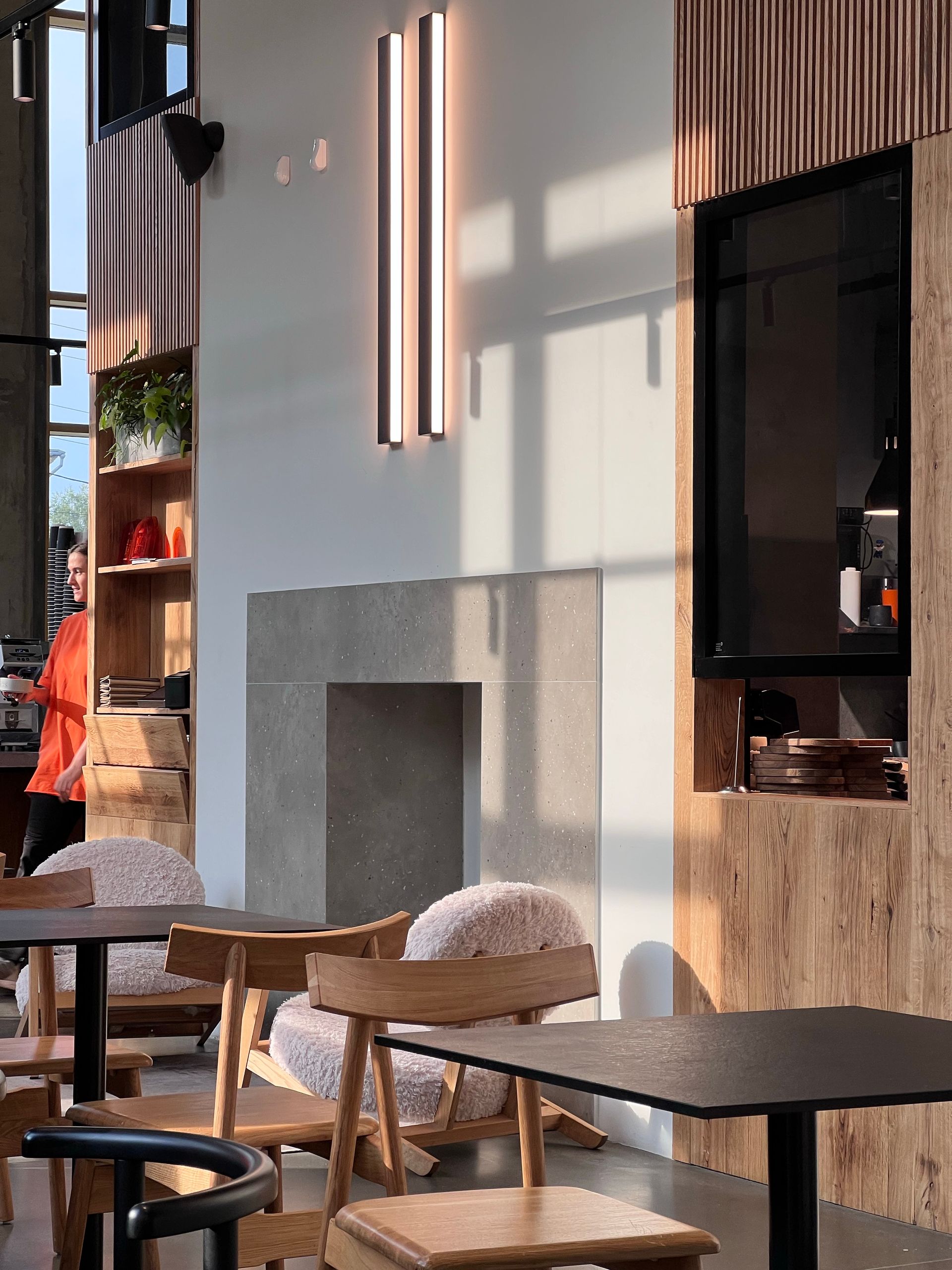
Third format: the feel of the space. Real features such as tables, window light, outside access, work area or garden are shown. No fake crowds or imaginary views are added.
What information should be clear on a cafe's Instagram account?
The profile description should explain what the venue offers, its address and real opening hours. Check the menu link, current phone/WhatsApp contact and reservation route, if any. If an Instagram post and the Google Business Profile hours differ, update the correct source first.
Don't measure success by likes alone
Reach and views show that the content was seen; they do not indicate table occupancy or actual sales. Track profile visits, directions requests, menu link clicks, DMs and coupon use as separate measurable events. NEFES reports these metrics and customer-verified business signals without mixing them up.
Monthly shoot checklist
- Are product photos up to date; is the product really in the display case?
- Are the usage permissions for staff images in order?
- Are the location, hours, prices, menu and campaign dates consistent?
- Do posts only show the product, or also explain why the venue is worth choosing?
- Did you list the products that need new photos next month?
NEFES's cafe social media management brings this information and these visuals together in one brand system, handling content, approval, publishing and measurement without overwhelming the business's daily operations.
Adapt this guide to your business
Start with a simple split: product on Monday, preparation on Wednesday, venue experience on the weekend. Under each piece of content, write the real frame you will use and the customer question it will answer. Do not fill an empty day with a post just to complete the calendar.